Record, Transcribe, and Summarize Meetings in Frame
Meeting recordings, transcripts, and AI-powered summaries - laying the foundation for the most powerful way to collaborate.
Greetings Frame community! For those that are new, Frame is the easiest way to gather with others inside of a 3D space to communicate and collaborate.
Over the past year, we've been incorporating AI features into Frame. We've added AI-powered avatars that you can customize and train, a variety of tools for creating images, 3D models, 360 photos, and more. Behind the scenes, we've been working on even more advanced capabilities that we hope will help you be more productive and creative.
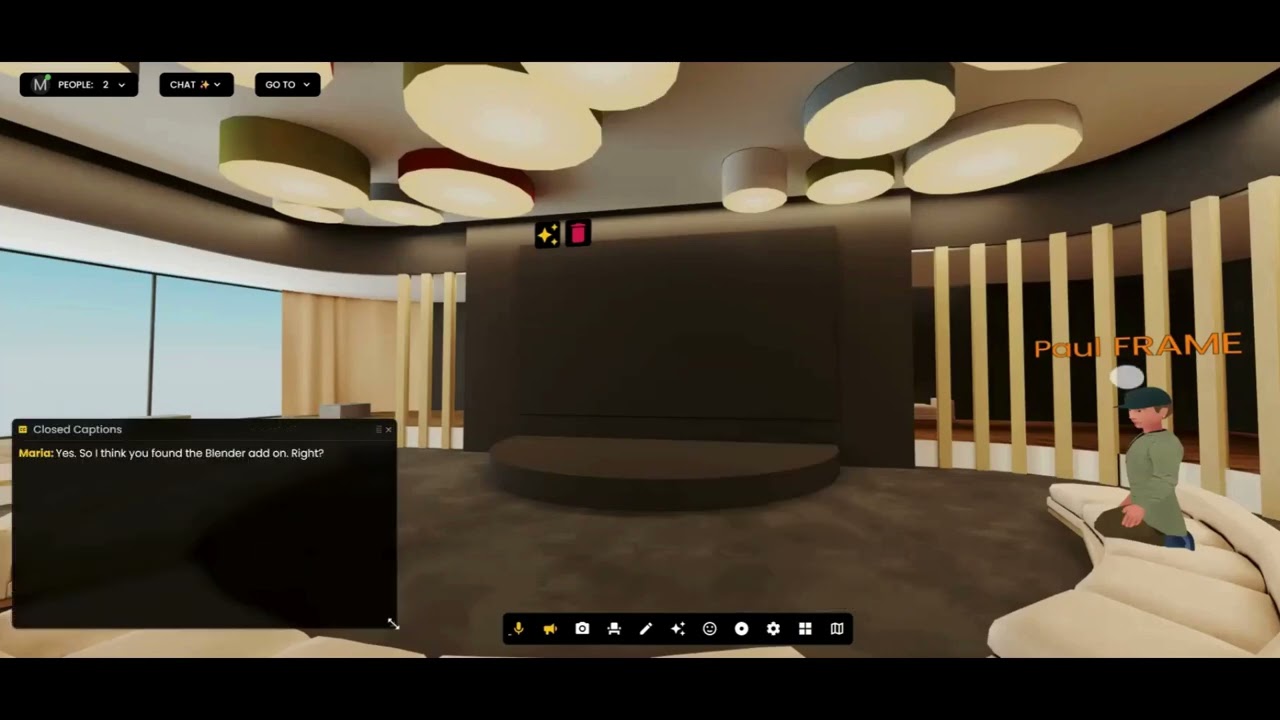
We are laying the foundation for what we think will be the most powerful way to come together with people and AI agents in an immersive workspace. Today, we're launching meeting audio recordings, transcriptions, and summaries.
Starting a Recording
Before you start your meeting, open the sidebar menu and you'll see a new panel for "meeting recordings and transcripts". You can click "new recording" to start the recording.
When the meeting is done, go to the same place and click "Stop Recording" instead.
It will take a minute or two before your recording and transcript show up in your Reports. You can view your past meeting records with the "view reports" button.
The Dashboard
In the dashboard, you'll see the records not just for meetings in the Frame that you're on, but for all Frames that you've created or that you are an admin of.
There's much more coming along these lines that we're excited to show you. Meanwhile, we hope you find this feature useful!
Ready to Transform Your Meetings?
Experience the future of collaboration in immersive 3D spaces.
Try Frame Free