Frame new update v.059
Big news for Frame users! We've made Frame smoother, smarter, and more powerful for your virtual meetings.
Big news for Frame users 🎉
We've made Frame smoother, smarter, and more powerful for your virtual meetings. Here are a few of the latest updates you can try right now:
Flat Mode
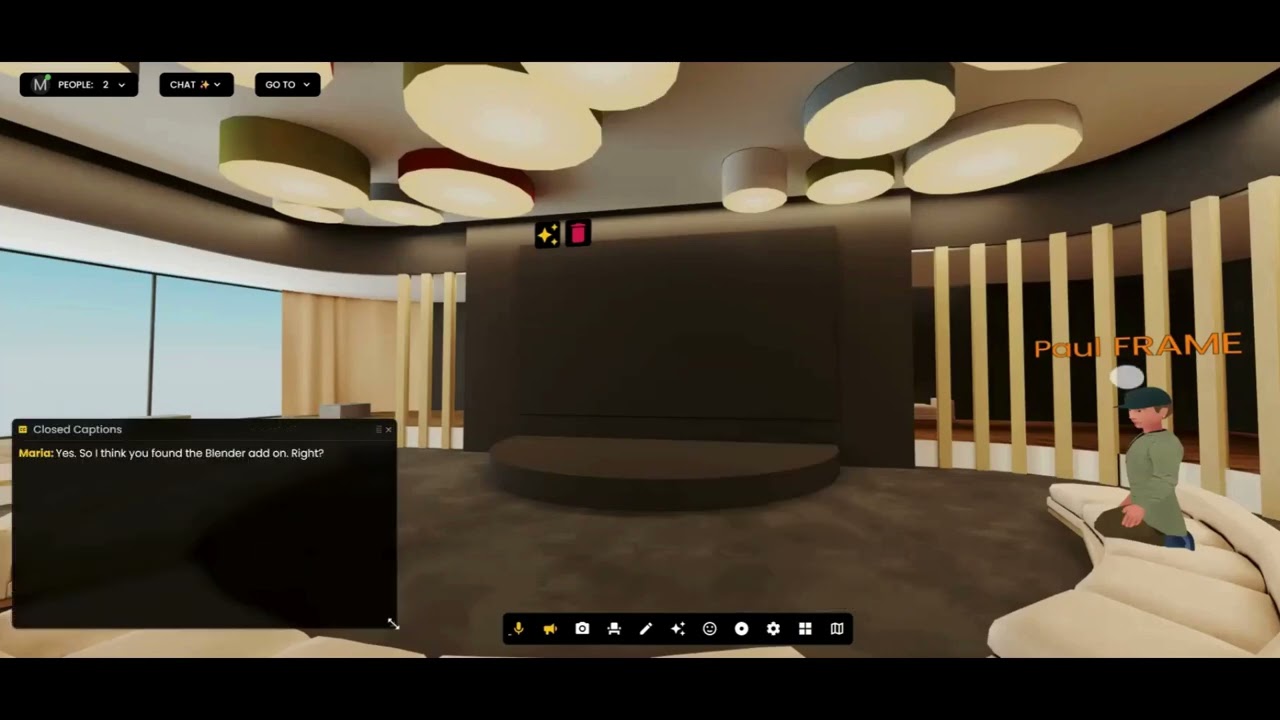
Multiple user views - Allows multiple users to be seen on the screen at once.
Top bar with pinning - A top bar is included where users can be pinned to the main view.
Flexible view settings - Settings allow switching between presenter view and grid view, as well as selecting the number of users that appear in the grid.
Dedicated agents tab - A new "agents tab" separates AI agents into their own section for individual interaction.
Knowledge training - A "knowledge button" allows for training AI agents with new content, similar to 3D mode.
Auto-enable option - The "auto-enable flat mode" toggle in the general settings will automatically launch guests into flat mode.
Easy mode switching - Guests can still switch to 3D mode by clicking the flat mode icon.
User and Guest Experience
Custom Frame names - Users can now choose their own Frame name right after signing up. The sign-up process includes creating and naming the first Frame, picking an environment, and then being transferred directly to the Frame space.
Guest access - Guests can join a Frame by simply entering their email, with no sign-up required. This provides a visitor log for Frame owners and helps maintain space security.
Account and Settings
Plan management - Frame owners can now upgrade or downgrade their Frame plan directly from the sidebar.
Enhanced sidebar - The sidebar has been enhanced for a cleaner and more intuitive feel.
Improved navigation - The environment tab is easier to navigate.
Collapsible performance - The performance rating tab can be collapsed.
Branding update - The branding section received a sleek update.
Voice Agents and Knowledge
New controls - Voice agents now have a plus icon and a "knowledge button".
Focused responses - Users can focus the voice agent on specific global or agent knowledge.
Voice interaction - When a user clicks "speak," the agent will respond using the selected knowledge.
Role-based access:
- Guests can only chat with the agent.
- Members can chat, speak, and use the knowledge icon to access pre-uploaded content. Members cannot upload new content.
- Admins have full access to all features.
Knowledge restriction - Enabling the "Restrict to mentioned knowledge" toggle ensures responses are consistent, pulling only from global and agent knowledge. Turning this off allows answers from the web, which may introduce variation in tone and content.
Interaction tracking - In the chat log, an audio icon indicates the interaction was voice-based, while no icon means it was a text chat.
Voice preview - Voice selection for the agent can now be previewed before setting it.
Analytics and Media
Detailed analytics - Users can click "view analytics" in the AI agent panel to see the interaction count, chat versus voice breakdown, recent activity, and top user interactions.
Larger audio files - Audio files up to 25 megabytes can now be uploaded.
Distance-based audio - Audio spheres can now be hidden based on distance by toggling "hide at distance" and setting the range.
Learn More
For more features and fixes, check out our Discord channel for the complete changelog and community discussions.
Ready to Transform Your Meetings?
Experience the future of collaboration in immersive 3D spaces.
Try Frame Free