
Single User Mode
Set your Frame to single-user mode for individual exploration experiences
To simulate a traditional video call we have added a toggle to enable webcams upon connecting. You will see a prompt to enable your webcam after connecting to the Frame with Auto-Flat Mode enabled.
Frame Settings > General
To enable Single User go to Frame Settings and click the General drop down.
You can set your Frame to be single or multi-user in your Frame Settings
- •Frames are multi-user by default, meaning people can interact in them together.
- •You can tell a Frame is multi-user if you are brought to the Connect screen when going to a Frame.
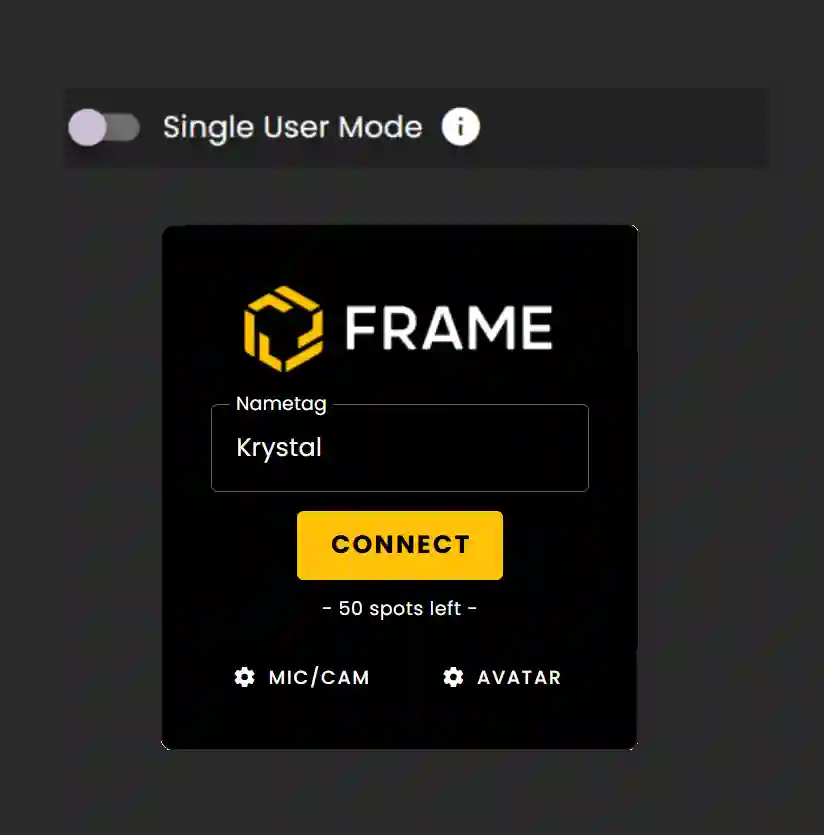
If a Frame is single-user, users can explore it on their own.
- •No Connect screen will be present - you will be sent directly into that Frame.
The following options are not available in this mode:
- •Mics
- •Avatars
- •Streaming Screens
- •Web Browsers
- •Chat
Ready to build with Frame?
Join thousands of creators who are building amazing 3D experiences with Frame VR.
For technical assistance, please contact us at support@framevr.io or reach out via our Discord community.
For general inquiries or feedback about Frame, please email hello@framevr.io