
Management•Beginner•1 min
Private Frame
Learn how to secure your Frame using passwords or viewing permissions
There are two ways to limit access to your Frame:
Password Protection
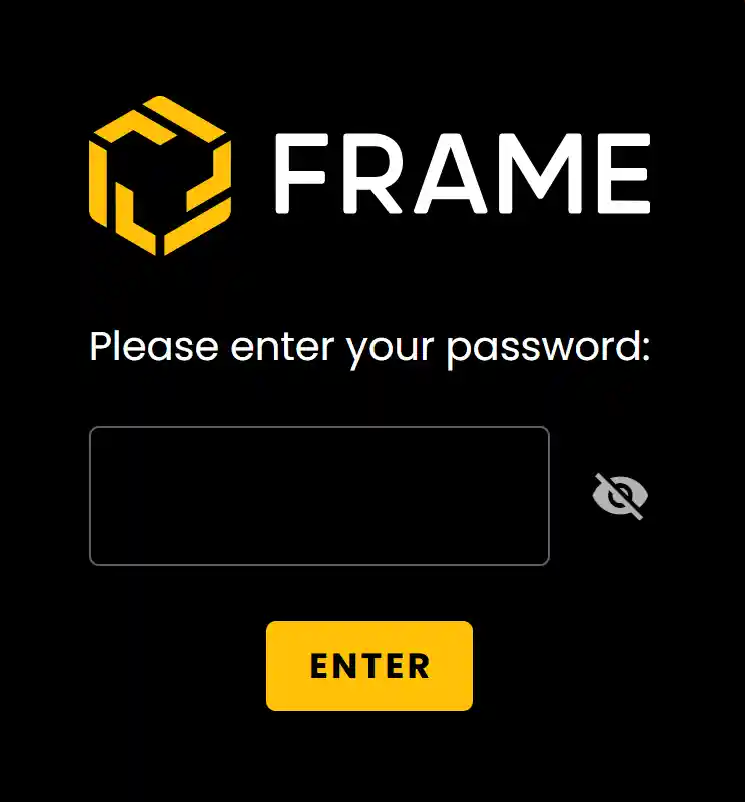
Under this you can set a password that appears before the connect screen. Only people who enter the accurate password can connect.
- •In this case, users may or may not be signed in.
- •The password can be deleted and changed from the Frame Settings in the sidebar.
Viewing Permissions
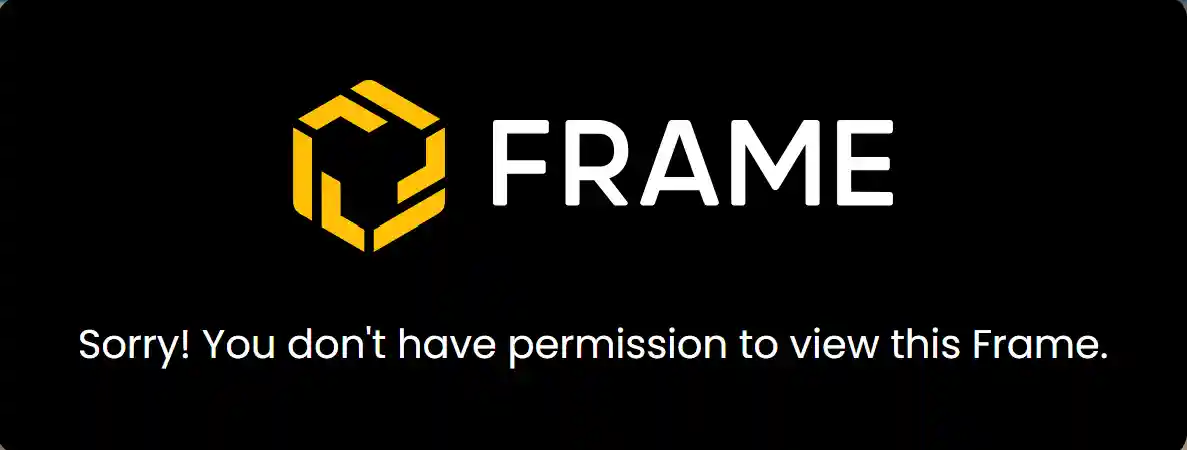
You can set the Viewing permissions to allow only certain, signed in users to enter the Frame.
- •In this case, users have to be signed in with the email/domain that has been given access.
- •The members have to be invited via email whereas domain can be entered just once in the settings.
Ready to build with Frame?
Join thousands of creators who are building amazing 3D experiences with Frame VR.
For technical assistance, please contact us at support@framevr.io or reach out via our Discord community.
For general inquiries or feedback about Frame, please email hello@framevr.io