
Creation•Beginner•1 min
PDF's
Upload and share PDFs that users can view inside Frame
PDFs can be placed in Frame and all pages are synced between users. A handy way to bring information into your meetings or events!
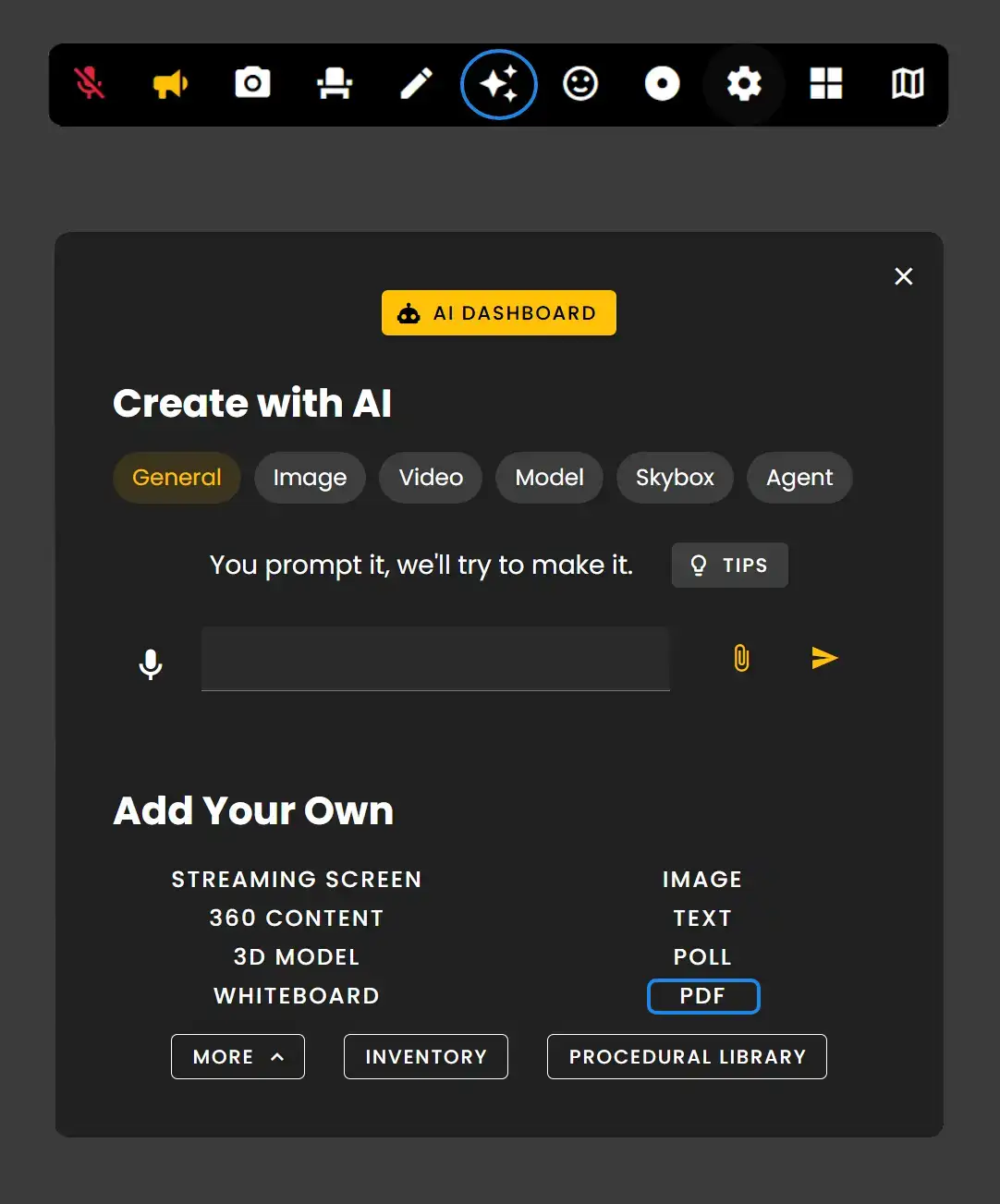
The Creation Menu button in the toolbar
Click the Creation Menu button in the toolbar.
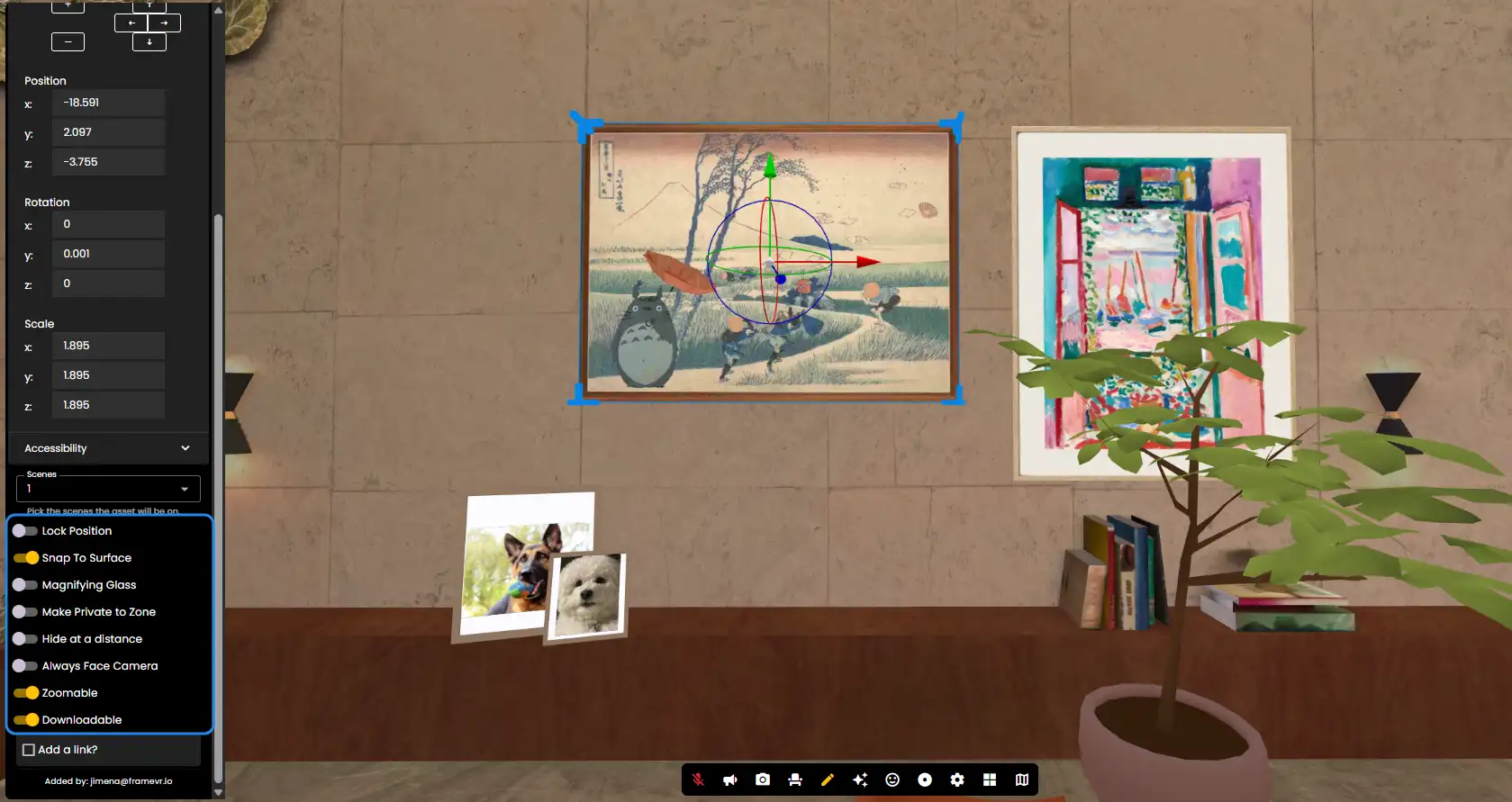
- •Upload your PDF and go into Edit Mode and click your PDF to see its Edit Menu.
- •Make your PDF 'Zoomable' and 'Downloadable' if you'd like your users to have access to PDF content.
- •Use 'Snap to Surface' to quickly place your PDF where you need.
PDF Navigation
Once your PDF is placed, users can navigate through pages. All page changes are synced between users in the Frame.
Remember: PDF pages are synced between all users in your Frame, making them perfect for presentations and collaborative document review.
Ready to build with Frame?
Join thousands of creators who are building amazing 3D experiences with Frame VR.
For technical assistance, please contact us at support@framevr.io or reach out via our Discord community.
For general inquiries or feedback about Frame, please email hello@framevr.io