
Frame Home
Home is your entry point to building immersive spaces and manage them
Frame Home is a Dashboard that allows you to configure Frames you've created. Additionally, you can see Frames you have Member or Admin permissions in and your profile details.
Home
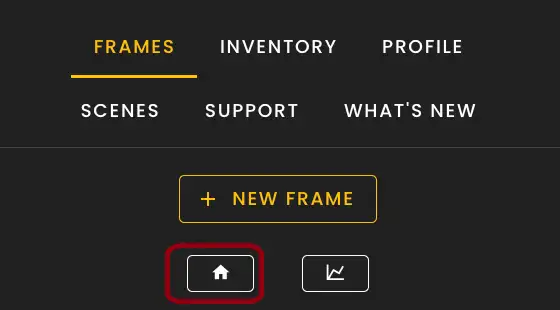
Frame Home can be accessed by signing in directly to framevr.io/home or by clicking the Home icon in the Frame Settings menu.
New Frame
Name your frame, pick an environment and subscription tier and hop right in to your frame.
My Frames
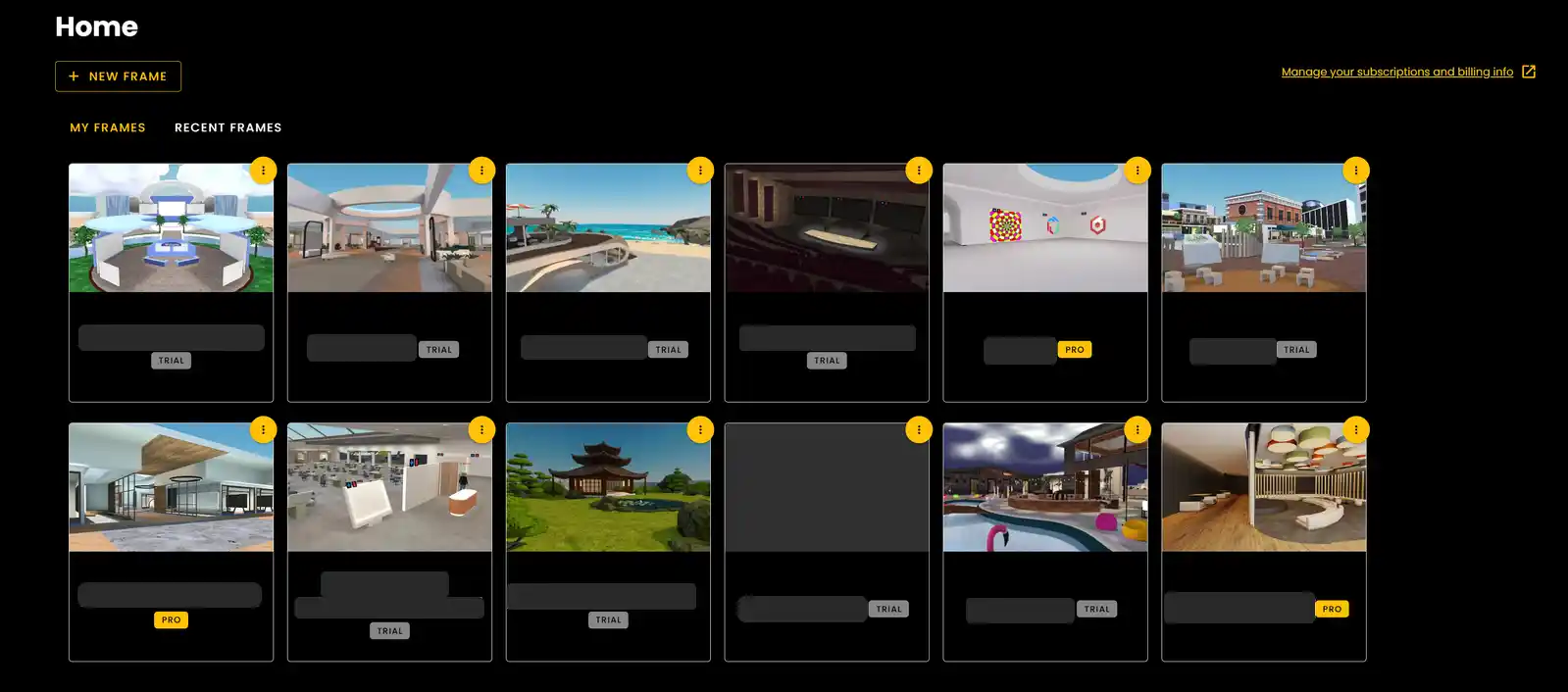
My Frames will show all the frames that are connected to your account.
- •The Frames you own will be listed first and you can control basically everything connected to that frame.
Frame Permissions
You can have different permission levels on Frames:
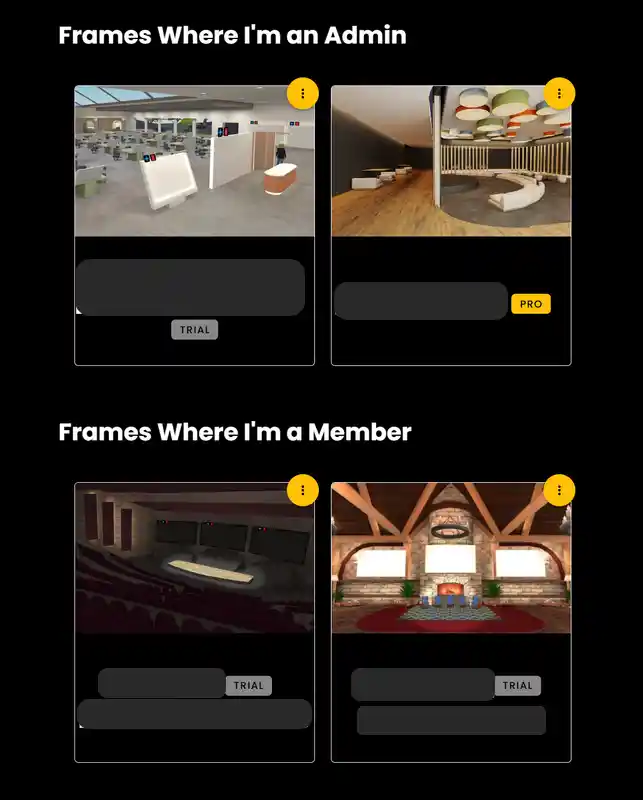
- •Frames you have Admin permissions on - Depending on the settings Admins have for that particular frame you should have the same available options as Owners.
- •Frames you have Member permissions on - You can only click the frame to access it. However, depending on the settings for that particular frame you may see additional options.
Owner/Admin Options
If you are an Owner or Admin of a Frame you will see three options:
- •Settings - Control all your frames from one location. Change environments, update user permissions, swap out logos. All from one location! Any of the settings you typically see in your side bar menu in frame will be available in Frame Home.
- •Analytics - This is where you can find all the analytical data about your frame. How many times your frame has been visited, links clicked, poll responses, voice zones entered. Plus many more depending on how you are utilizing your frame.
- •Delete - You can delete your frame in its entirety. It is important to note that if you have a subscription tier it will cancel your subscription and you will not be able to access your Frame for the remainder of the term that you may have already paid for.
Frame Profile
You can also control your Frame Profile options in Home. You can also find this option in Frame under the Settings Menu by clicking the Profile tab.
Ready to build with Frame?
Join thousands of creators who are building amazing 3D experiences with Frame VR.
For technical assistance, please contact us at support@framevr.io or reach out via our Discord community.
For general inquiries or feedback about Frame, please email hello@framevr.io