
Frame API
Get started with Frame's API for advanced integrations and features
Now showing Frame API
It's part of our mission to enable non-technical creatives to make compelling, useful metaverse experiences using Frame. For a while, Frame was entirely a "no-code" platform. But we don't want to stop there.
REST API
To unlock further flexibility, though, we launched a simple REST API that lets people do things like:
- •Create assets
- •Modify assets
- •Add/remove members or admins
- •Send a text chat to the whole Frame
- •Modify Frame settings
We'll be adding to this API in the months ahead, and also open up other custom scripting possibilities.
API Documentation
For full API documentation, visit the Frame REST API Reference:
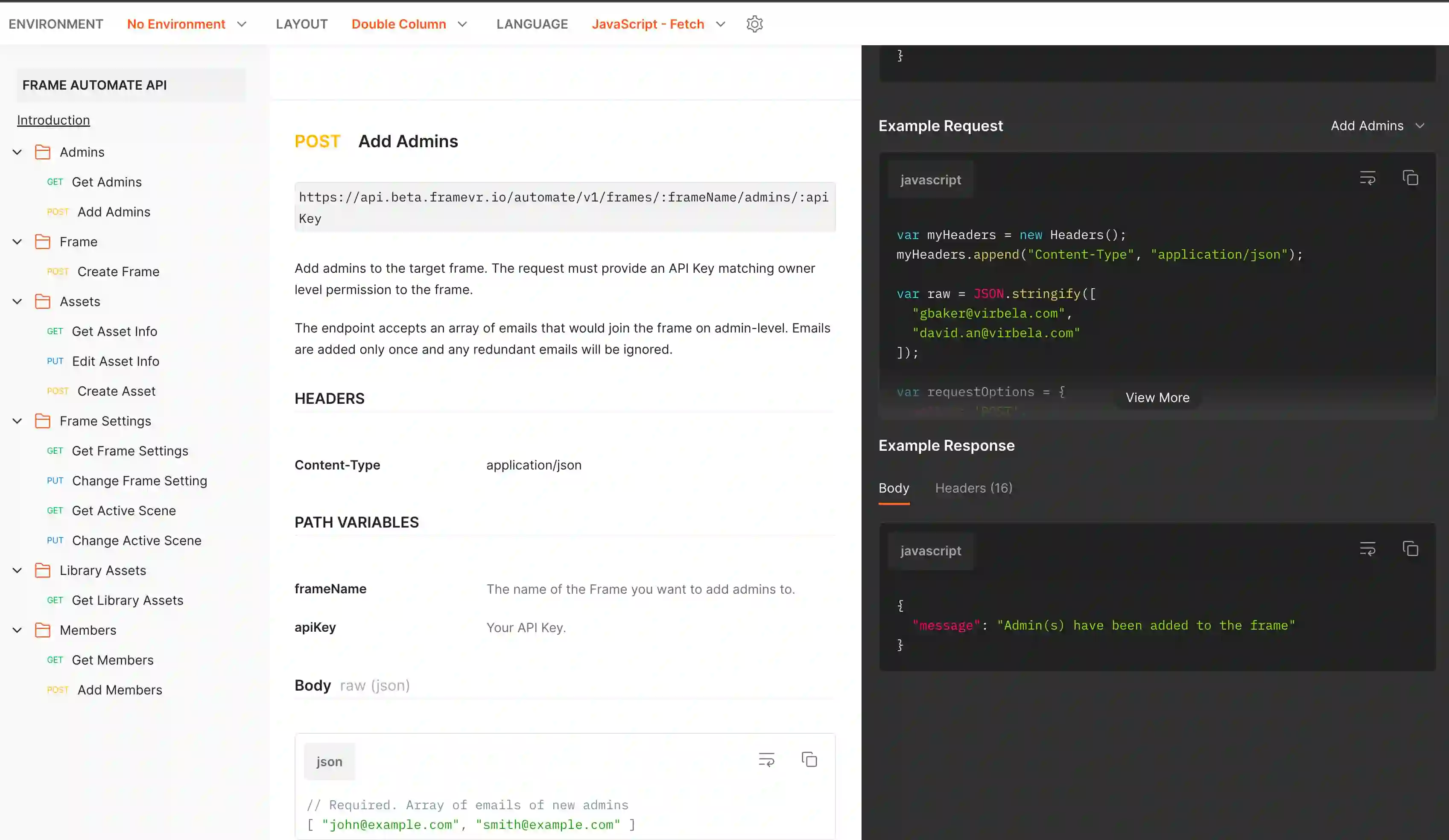
Finding Your API Key
Find your API key in the Profile section of the sidebar menu. To modify an asset with the API, you need its asset ID. You can find this in the Asset Edit Menu when you click on the asset, or in the Asset List for your Frame in the Sidebar.
Important Note
In full transparency, this API is open for now but may be limited to paid plans in the future.
Ready to build with Frame?
Join thousands of creators who are building amazing 3D experiences with Frame VR.
For technical assistance, please contact us at support@framevr.io or reach out via our Discord community.
For general inquiries or feedback about Frame, please email hello@framevr.io