
Auto-enable Webcams
Turn on your webcam feed inside Frame for live interaction
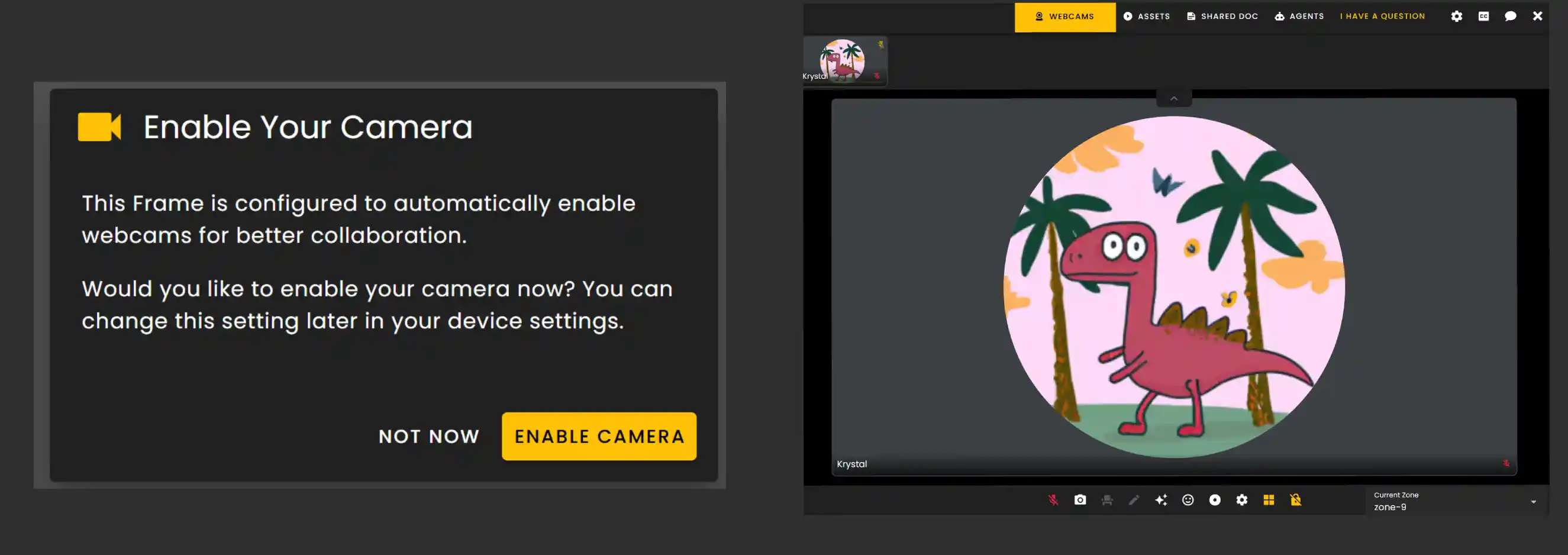
To simulate a traditional video call we have added a toggle to enable webcams upon connecting. You will see a prompt to enable your webcam after connecting to the Frame with Auto-Flat Mode enabled.
Frame Settings
This setting is found under the General settings tab.
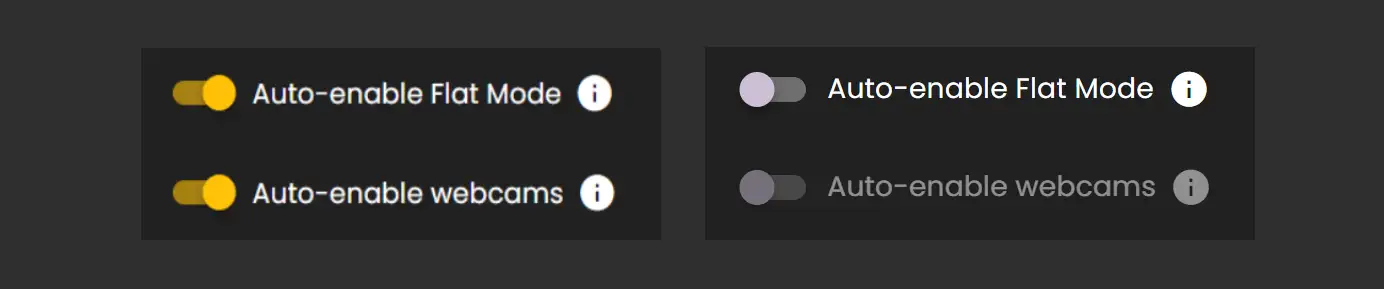
Auto-enable Flat Mode has to be enabled before Auto-enable webcams becomes available. Otherwise the option is grayed out.
Upon Connecting you will see a prompt to enable your camera. If you select not now you will enter flat mode with your camera disabled.
TIP
If you are using Auto-enable Flat Mode be sure to include a voice zone in your invites to ensure that users are placed in a protected voice zone for your meeting.
- •example: framevr.io/demo#flatmodemeeting instead of just sending links for framevr.io/demo
- •We also suggest using the auto-seat enabled toggle to ensure that users are seated inside of their zones to ensure that users in the 3D experience don't see avatars piling up in a single location.
Ready to build with Frame?
Join thousands of creators who are building amazing 3D experiences with Frame VR.
For technical assistance, please contact us at support@framevr.io or reach out via our Discord community.
For general inquiries or feedback about Frame, please email hello@framevr.io