
Collaboration•Advanced•2 min
AI Nodes
Learn to configure AI Nodes for tailored AI-driven interactions and processes
AI Nodes are just like AI Agents but in a different form. AI Nodes are only available in our AI Rooms and anything added from an AI Node will get sorted into an EZGroup for easy viewing.
Interact with AI Nodes
1. Single Click - Creation Menu
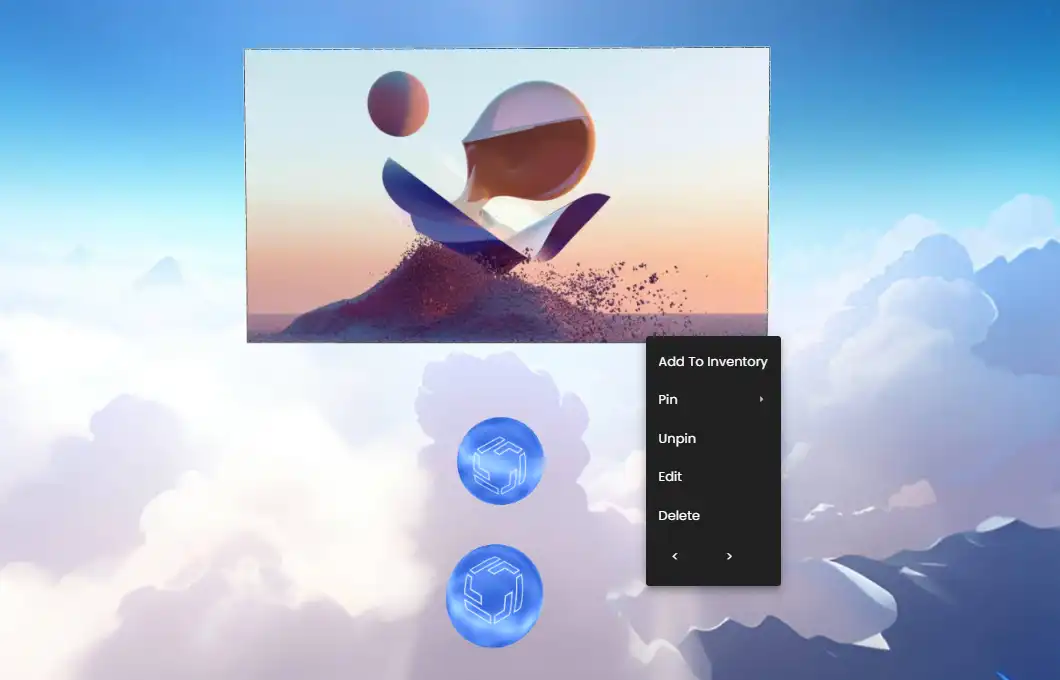
A single click brings up the creation menu and any assets added from there will be placed in the nodes EZGroups.
- •These areas are referred to as Focus (top) and Pool (bottom).
2. Double-Click - Voice Recognition
Double-click activates voice recognition to prompt.
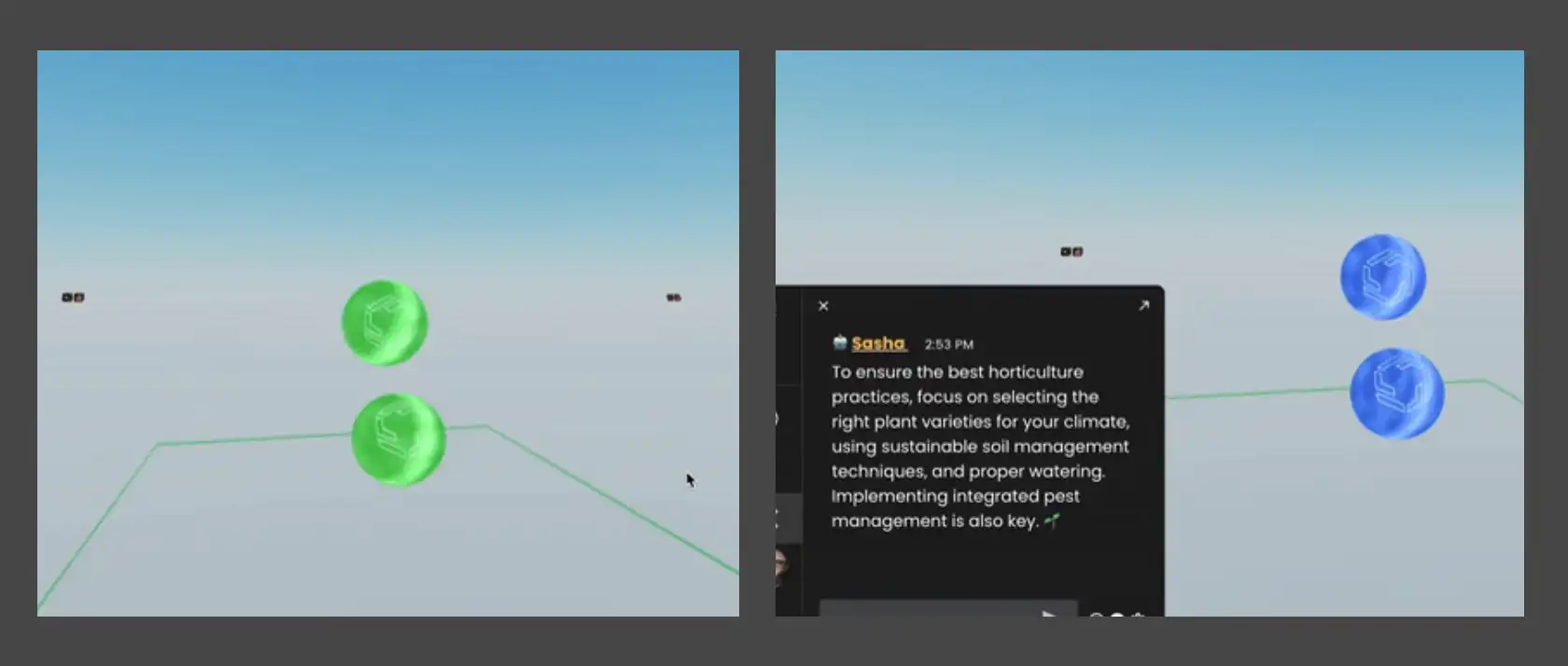
- •Once double-clicking the node will have a wave effect to signify that the node is listening to you.
- •Speak your question or prompt.
- •When the AI Node is generating a result it will turn Green.
- •After speaking the Chat window will open to the Agent tab and the response will be entered there.
Ready to build with Frame?
Join thousands of creators who are building amazing 3D experiences with Frame VR.
For technical assistance, please contact us at support@framevr.io or reach out via our Discord community.
For general inquiries or feedback about Frame, please email hello@framevr.io