WorldLabs: How to Use it with Frame
Learn how we turned one image into an immersive 3D world using World Labs AI and Frame VR for live collaboration.
🚀 How We Turned One Image Into an Immersive 3D World!
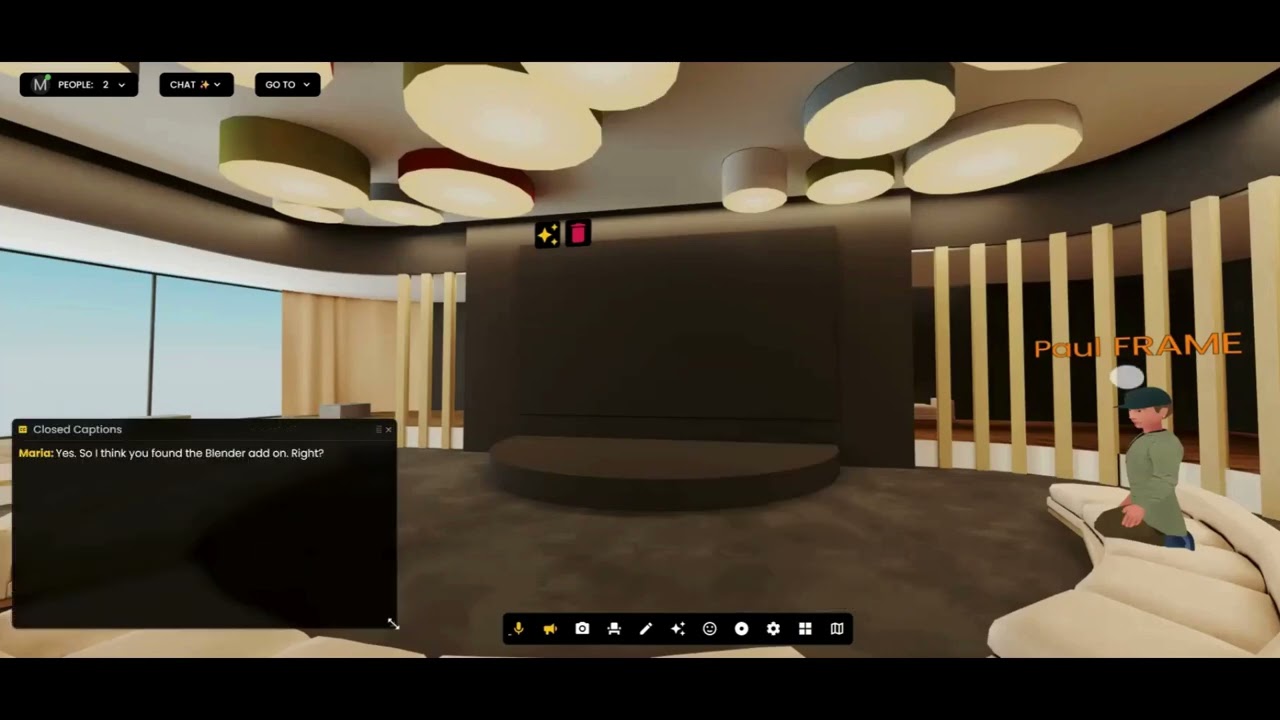
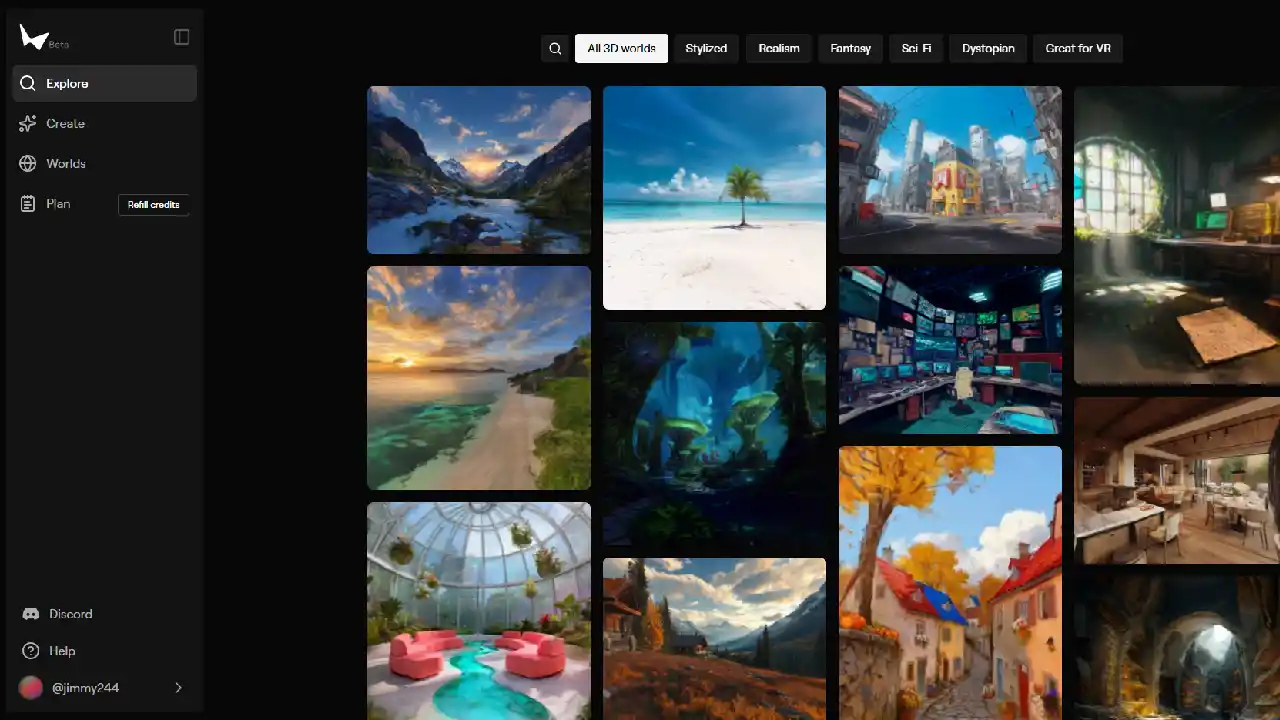
Earlier this week, we showed you working inside a 3D world created from a single image. Now, it's time to share how we used World Labs AI to generate that 3D world and upload it seamlessly into Frame for live collaboration.
The Quick Breakdown
Transform your workspace in three simple steps:
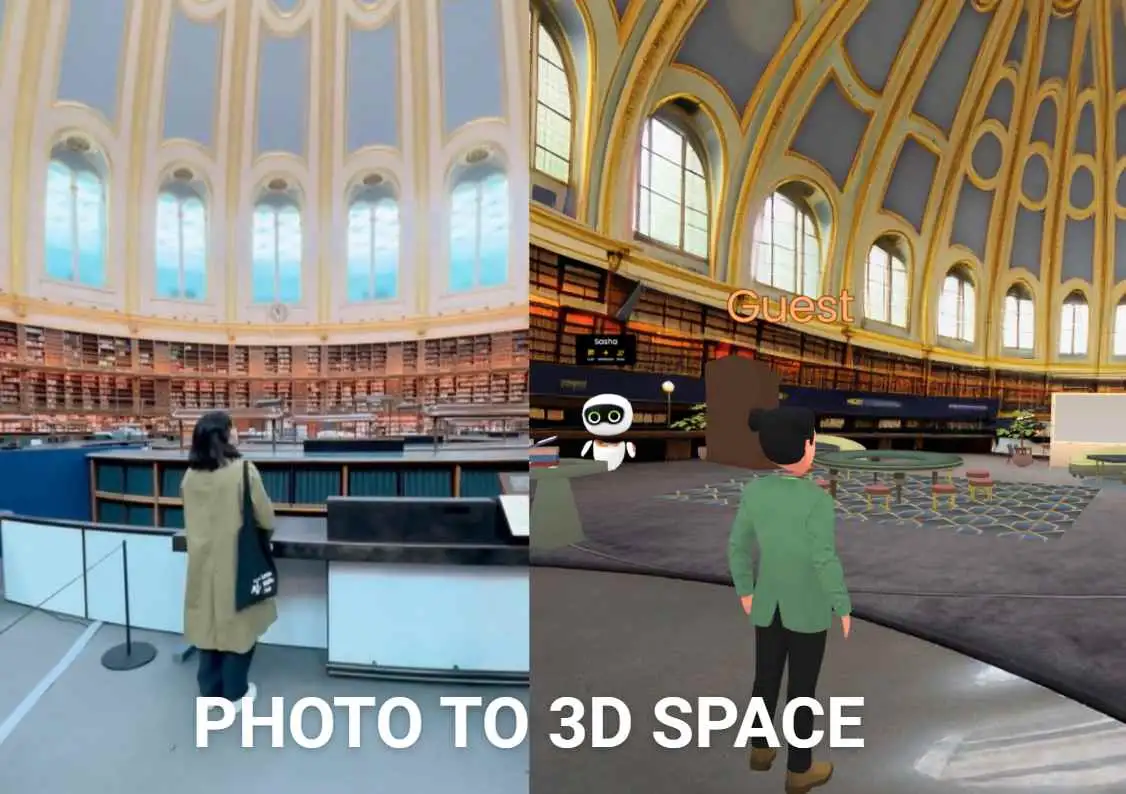
✅ Transform any 2D image into a walkable 3D space with World Labs AI - Start with a single image and watch it become a fully explorable environment
✅ Export and upload your custom world into Frame VR - Seamlessly bring your generated world into Frame's collaboration platform
✅ Start collaborating with your team inside your fully immersive space - Meet, work, and create together in your custom 3D environment
Create Your Own Dynamic Worlds
This powerful combination of World Labs AI and Frame VR opens up endless possibilities for creative collaboration. Whether you're planning meetings, hosting events, or running creative sessions, you can now design and deploy custom immersive environments tailored to your exact needs.
🎥 Watch the full video to see the step-by-step process and get inspired to create your own dynamic worlds for meetings, events, or creative sessions!
From concept to collaboration in minutes - that's the power of combining AI-generated 3D worlds with Frame's real-time collaboration tools.
Ready to Transform Your Meetings?
Experience the future of collaboration in immersive 3D spaces.
Try Frame Free