Bringing Complex 3D Models Into Frame
From pizza to Pompeii, you can bring some awesome 3D models into Frame.
January 5, 20237 min read
Share:
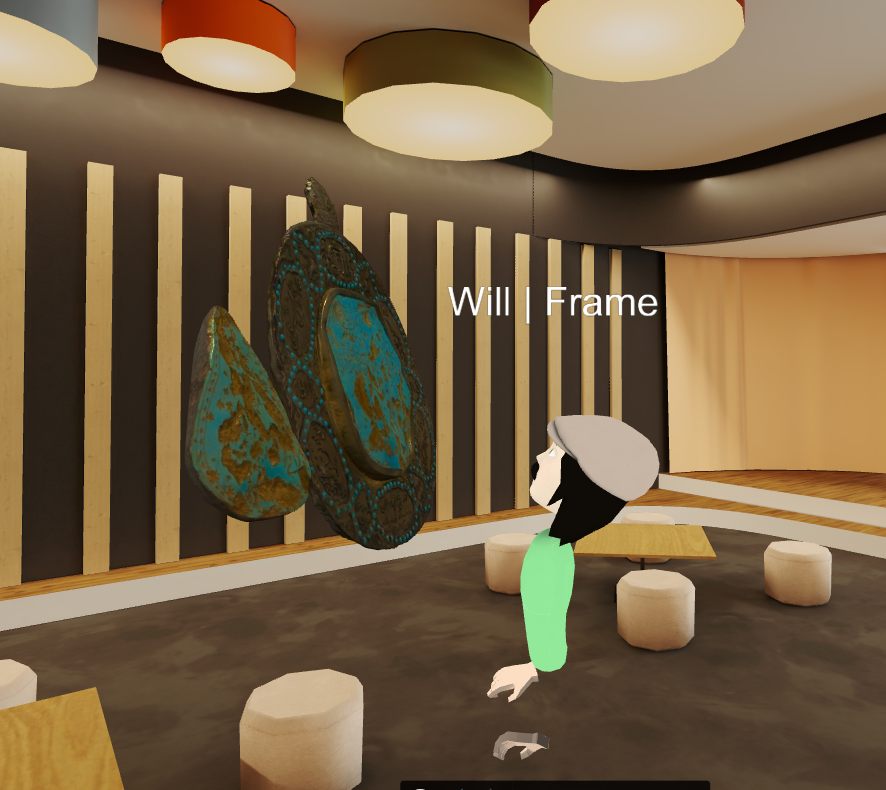
Frame supports importing complex 3D models, letting you bring detailed objects and even entire scenes into your virtual spaces.
Supported Formats
Frame supports common 3D file formats:
- GLB/GLTF
- OBJ
- FBX (converted)
Optimization Tips
Complex models need optimization for web performance:
- Reduce polygon counts where possible
- Compress textures
- Use LOD (Level of Detail) when available
Examples
We've seen users bring amazing things into Frame:
- Detailed product models
- Architectural visualizations
- Scanned real-world objects
- Historical reconstructions like Pompeii
File Size Limits
Keep your models under our file size limits for best performance. Larger models may take longer to load and can impact frame rates.
Getting Started
Upload your 3D model through the asset panel in Frame. Position, scale, and rotate it to fit your space perfectly.
Ready to Transform Your Meetings?
Experience the future of collaboration in immersive 3D spaces.
Try Frame Free